
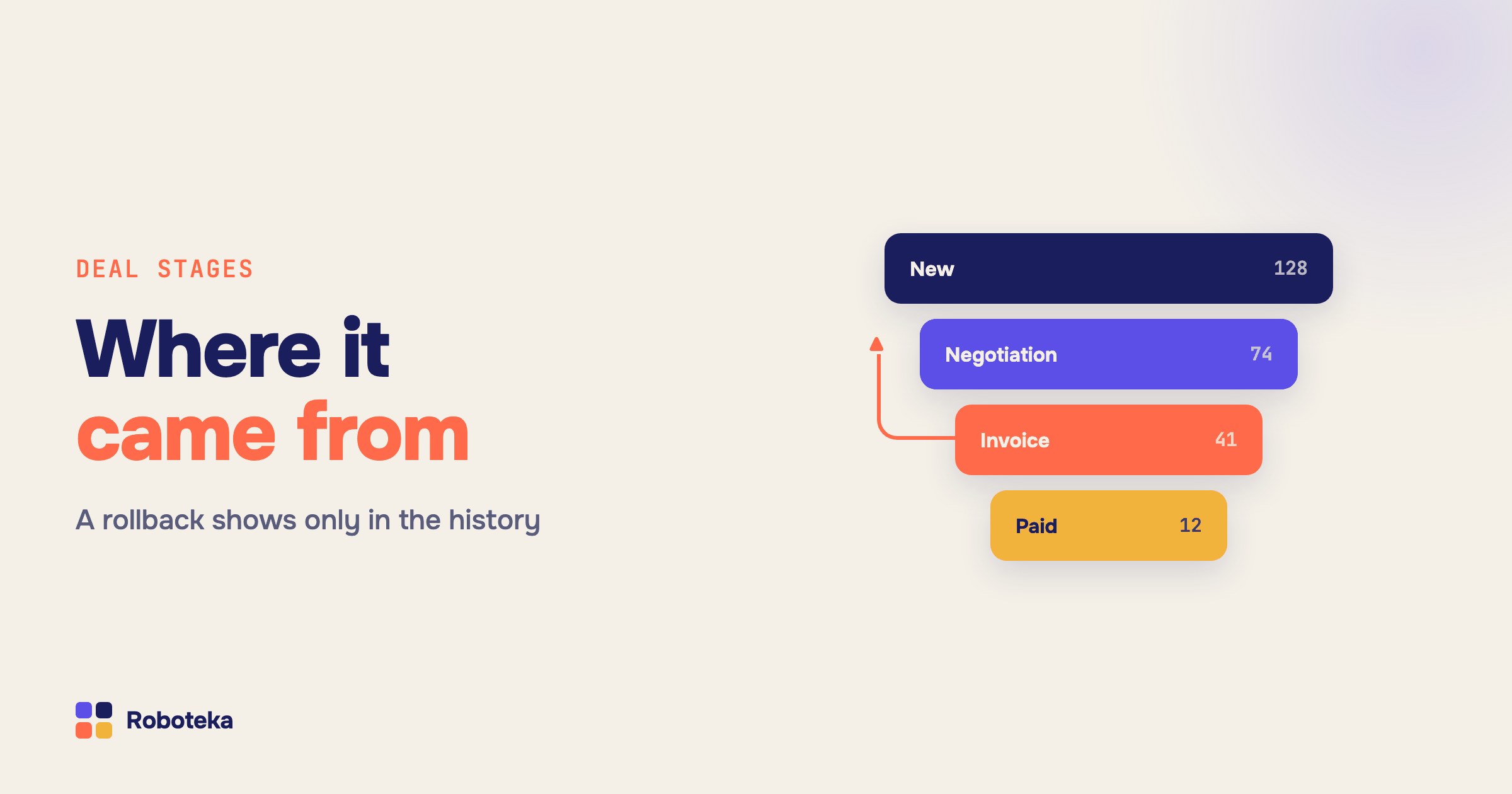
The rule you want to write is simple to say out loud: "if the deal came back from Invoice sent, tell the head of sales". The rule you can actually configure is different. An automation rule in Bitrix24 (Alaio) fires when an item arrives on a stage, and the only stage it knows about is the one it is standing on. Where the deal came from is not in the document, not in the variable list, and not in the trigger settings — for the platform a stage change is one field getting a new value, not a pair of "from → to".
What an automation rule actually knows at run time
Worth separating three things that look like one. A trigger reacts to an outside event — a payment, an inbound call, a reply in chat — and moves the item. Automation rules attached to a stage run on arrival, top to bottom. And the platform writes a stage history row.
That last part is the useful one, and it is not in the documentation: the history row is written synchronously with the save, before the rules run. So a rule firing on a stage already sees the row for its own stage — the newest row is the current stage, and the row below it is the previous one. Everything below is built on that one fact.
Reading the previous stage without a custom field
The usual workaround is a rule on every stage that writes its own code into a "previous stage" custom field. It survives until someone renames a stage, inserts one, or adds a second pipeline — then the fields drift out of sync and nobody remembers which rule fills what. The other workaround is an app that unpacks history into service fields in the background: the field appears with a delay, so it is unusable in a condition, which is checked immediately.
The Previous stage block reads the history at run time, in a single request, and hands the result straight back into the process: the stage code for conditions, the stage name for an email or a comment, the semantics (in progress / won / lost), the pipeline ID, the moment the item left that stage, and the time it spent there in seconds. A separate "found" flag distinguishes "this item has never moved" from a real error, so the happy path needs no error handling. No extra field appears on the card.
Items with stages are deals, leads and smart process items. Leads keep their stage in a different field than deals do, and the block absorbs that difference itself. Contacts and companies have no stages at all — there is nothing to return.
How to catch a deal sliding back down the pipeline
A rollback is the most expensive kind of movement: a deal leaves Invoice sent for Negotiation again, and in the funnel report it looks like ordinary work. Three steps catch it.
Put the Previous stage block on the stage deals roll back to. Compare the result with an if — then condition: the item came from a stage that sits later in the pipeline, so this is a rollback. Several checks at once — previous stage code, amount, assigned person — fold into Compound condition without nested branches. After that it is the usual kit: a task for the manager, a comment carrying the previous stage name and the time spent there, a flag in a field for reporting.
The same trick tells "the deal reached Won on its own" apart from "somebody dragged it from mid-pipeline straight into Won". Only the previous stage separates them; by the current stage the two look identical.
Can you forbid a manual stage change?
CRM roles can restrict work with individual stages — access permissions let you say which stages a role sees and edits. What roles cannot express is a rule about the transition itself: "forward only", "no more than one stage at a time", "not into Won until the signed document is attached". Permissions treat a stage as a state, never as a "from → to" pair.
That rule belongs to an automation rule. On the destination stage, check where the item came from and whether the requirements are met; if the rule is broken, Update deal by ID puts it back on the previous stage and the assigned person gets a notification with the reason. Not a disabled button, but a one-second undo plus an explanation — which works better in practice, because the person learns the rule instead of hitting a greyed-out control. To make the requirements visible before the attempt rather than after it, put them on the card: the Stage checklist field shows a per-stage list of required and optional actions.
Measuring time in stage
Time in stage is the gap between two history rows, and the Previous stage block returns it ready-made: the seconds spent on the stage the item has just left. From there it is an ordinary number — compare it in a condition ("sat for more than three days, escalate"), write it into a field, and build a custom metric on top to see where the queue piles up.
Two caveats worth knowing up front. The block measures the latest visit to the stage: if the item came back twice, each pair of transitions is measured separately, and no total across visits is produced. And it is calendar time, not working time — a deal arriving on Friday evening honestly accumulates three days by Monday morning, which is usually not what a KPI means.
Moving between pipelines
A move to another pipeline is recorded as one history row — new pipeline and new stage together, with no separate "pipeline changed" event. To the Previous stage block that is a normal stage change: it returns the previous stage plus the ID of the pipeline that stage belonged to, so a move between pipelines is told apart from movement inside one by exactly that value.
The reverse side: performing the move is pickier. The older deal update method silently ignores the pipeline field — no error, the deal stays where it was, and that one costs an afternoon. Update deal by ID goes through the universal CRM method, so it changes the pipeline together with the stage; other ways in and out are collected in the deal field update guide. If the process runs on a different item, Find deal locates the right one first.
What next
Start with the single stage where deals get lost most often: Previous stage, a rollback condition, a task for the manager. A week later you have the first numbers — where items roll back from and how long they stand still — and those are what the pipelines and triggers should be rebuilt around. To tag the existing base in one pass, use a mass launch.
The neighbouring blocks live in the robot catalog: conditions, entity updates, date tools. And if the one you need is missing — describe the task: Roboteka builds missing activities for free and ships them to the shared library. Previous stage came to exist exactly that way.