
Roboteka — a library of robots and fields for Bitrix24 (Alaio)
Micro-activities and smart fields that close the gaps in stock automation. Missing a robot or a field? Describe the task — we build it for free and add it to the shared library.
 C
CRM
C
CRM
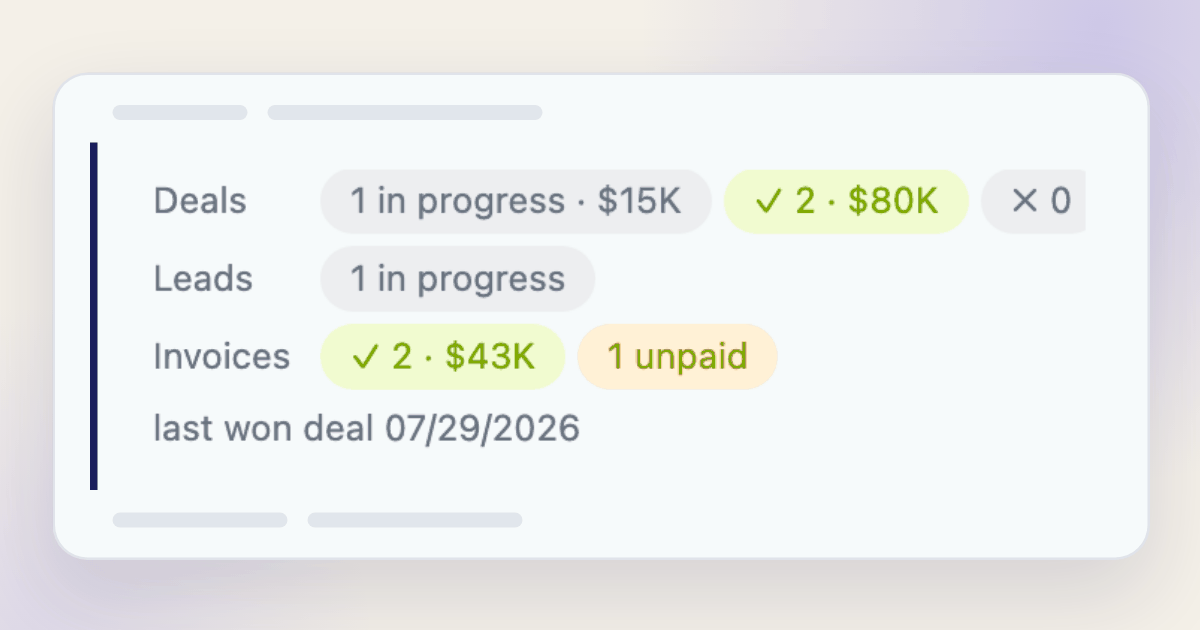
Client summary
Client deals, leads and invoices at a glance right in the record: how many are in progress, won and lost, for what amounts and when the latest one closed.
 S
CRM
S
CRM
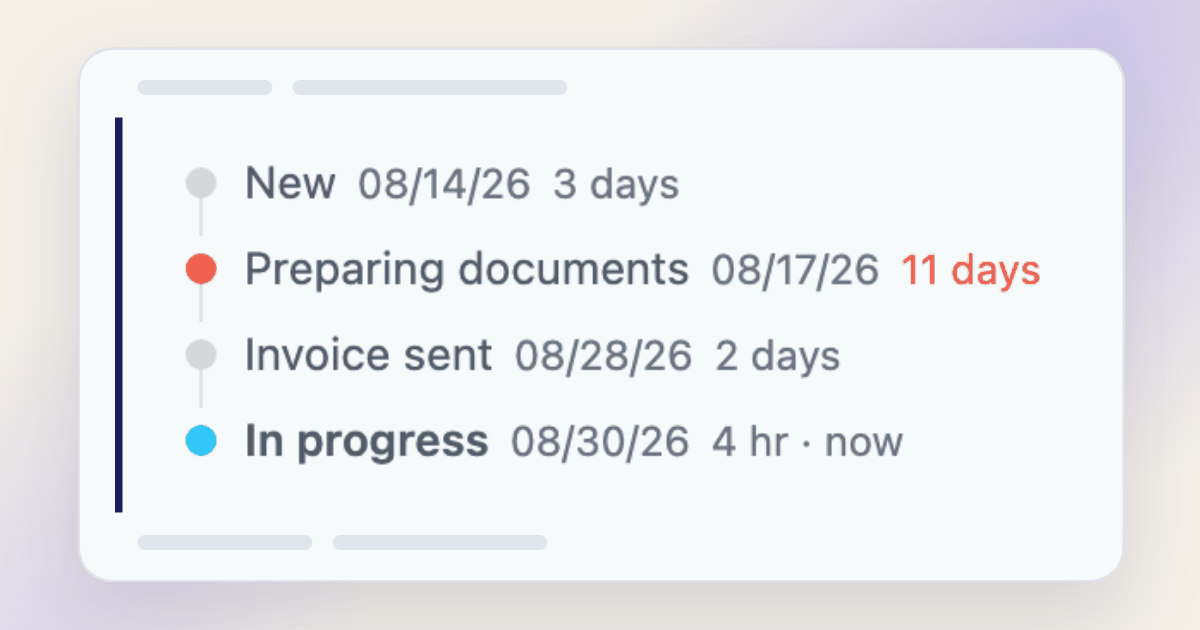
Stage path
Shows the path through the stages in the card: which stage, when it was entered and how long it lasted. The current one is marked and its clock keeps running; stages past the threshold are highlighted. Deals, leads and smart processes. Read-only.
 C
CRM
C
CRM
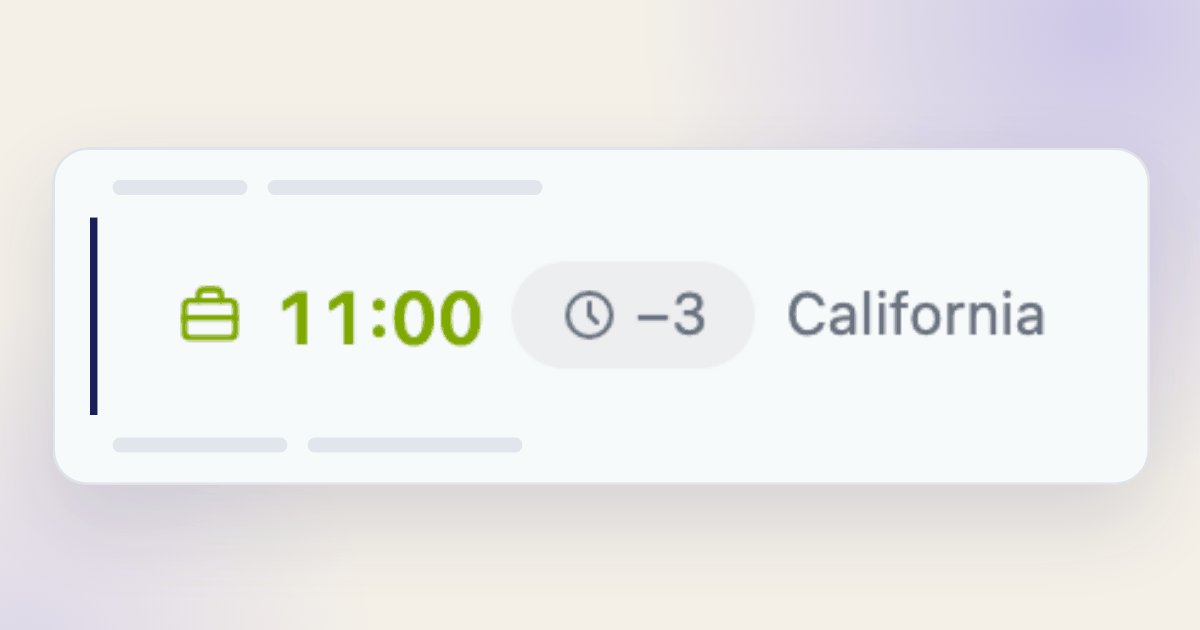
Client local time
The client local time from their phone number and the difference from yours. Tells you at a glance whether calling now is a good idea.
Check if value exists in array
Checks whether an array contains the specified value. Supports exact match and case-insensitive search.
Array processingArray size / element count
Counts the number of elements in an array of values. Works with other robot outputs and multiple-value bizproc variables.
Array processingDelete element from array
Deletes an element from an array by value or by index. Returns the array without the deleted elements.
Array processingGet array element by index
Returns an element from an array of values by position. 0 = first, -1 = last. Works with outputs of other robots.
Array processingAdd value to a multiple-value field
Appends a new value to a multiple-value CRM field without overwriting existing values.
Array processingRemove value from a multiple-value field
Removes a specific value from a multiple-value CRM field. All other values are preserved.
Array processingSort an array
Sorts an array of values in ascending or descending order. Numbers sort as numbers, strings alphabetically.
Array processingSum of array elements
Adds up all numeric elements of an array. Understands comma as the decimal separator, skips non-numeric elements.
Ready-made custom field types for Bitrix24 CRM cards. Free to install — the field type appears in the CRM field settings.
Official Bitrix24 Market listing
The app installs in a couple of clicks from Bitrix24 Market — no code and no server of your own.
Works in both designers
Every robot is available both in CRM automation rules and in the business process designer.
Missing a robot? We build it
Describe the task: we build the robot for free, review it and add it to the shared library.
Frequently asked questions
Do I need a paid Bitrix24 plan?
Roboteka installs on any plan where automation is available: CRM automation rules start on the Standard plan, the business process designer on Professional and above. The app itself carries no extra fee.
How is a robot different from a business process?
A robot is a single automatic action on a deal or lead stage. A business process is a multi-step scenario in a separate designer. Roboteka robots work in both.
How much does it cost?
All robots in the catalog are free. Bitrix24 Market apps are available on any commercial Bitrix24 plan at no extra cost — no separate Market subscription is needed.
How do I request a new robot?
Describe the task in the request form — we build the robot for free, review it and add it to the library for everyone to use. Submit a request
From the blog
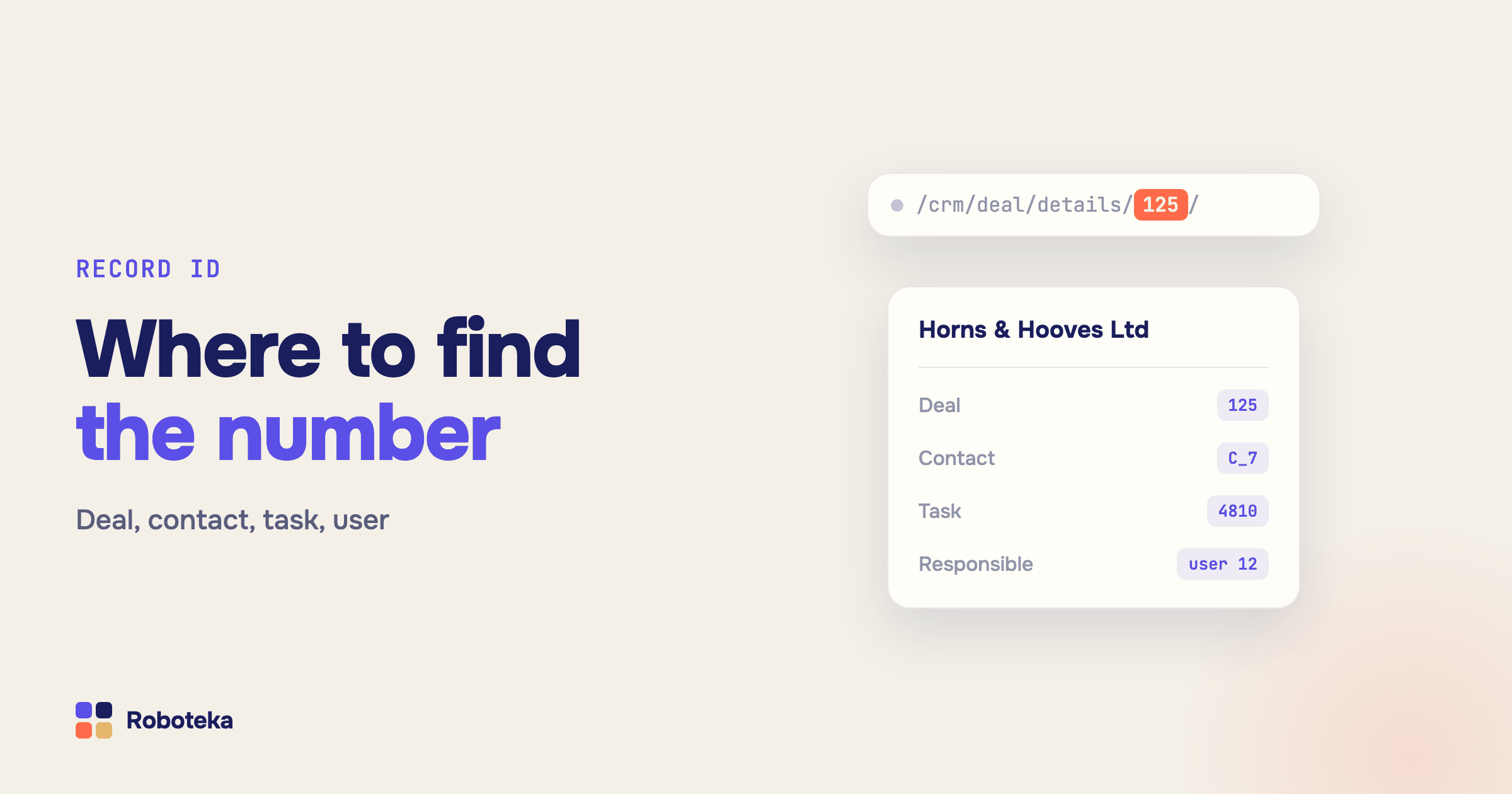
Bitrix24 record ID: how to find a deal, contact, task or user ID
Where to see the ID of a deal, lead, contact, task, user or pipeline in Bitrix24, what a CRM ID like D_10 means, and how to get an ID inside a workflow.
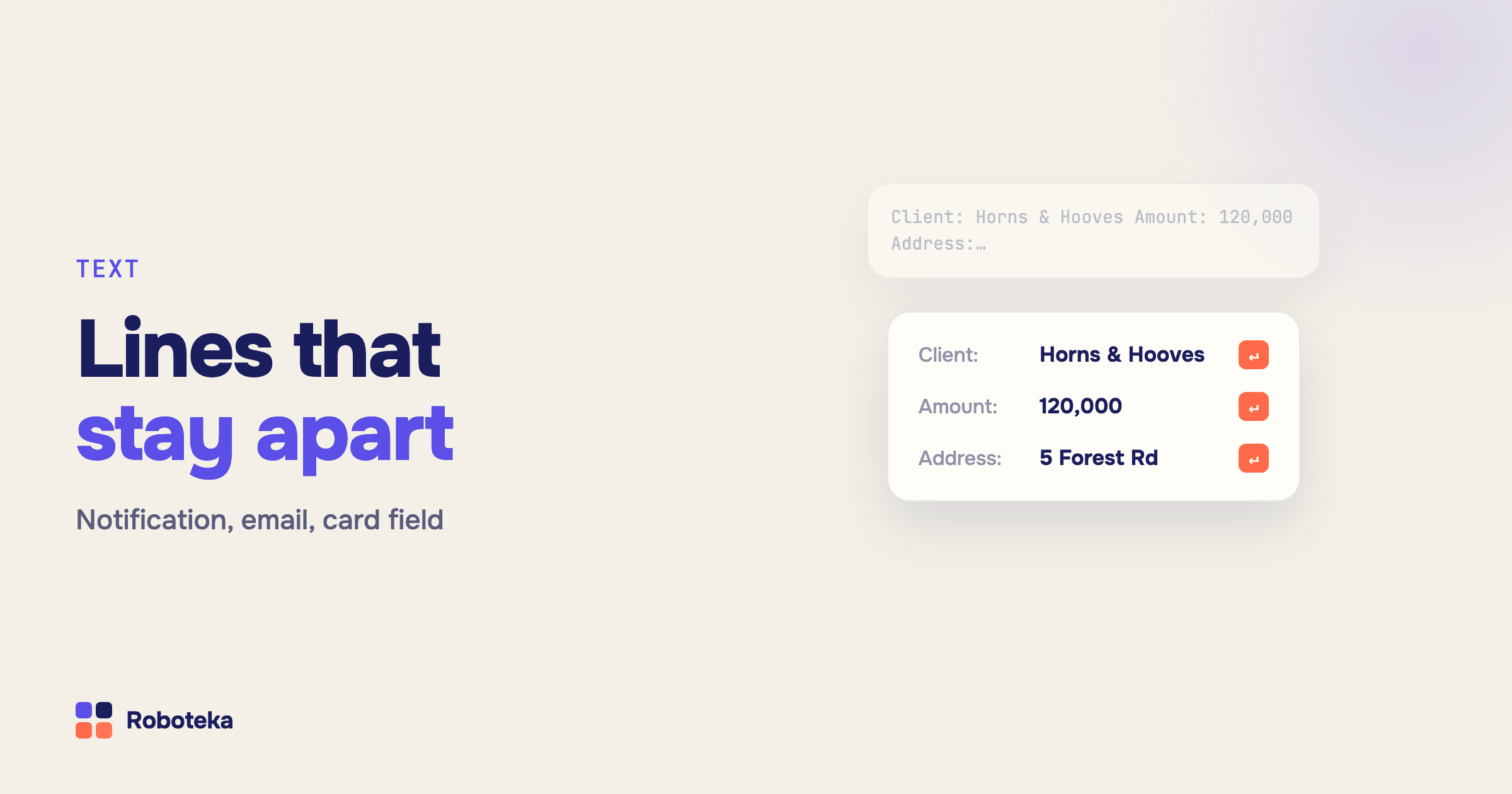
Line breaks in Bitrix24 workflows: format notifications, emails and fields
How to add a line break to a Bitrix24 workflow message, why lines run together in emails, and how to strip extra spaces, remove characters and change text case.
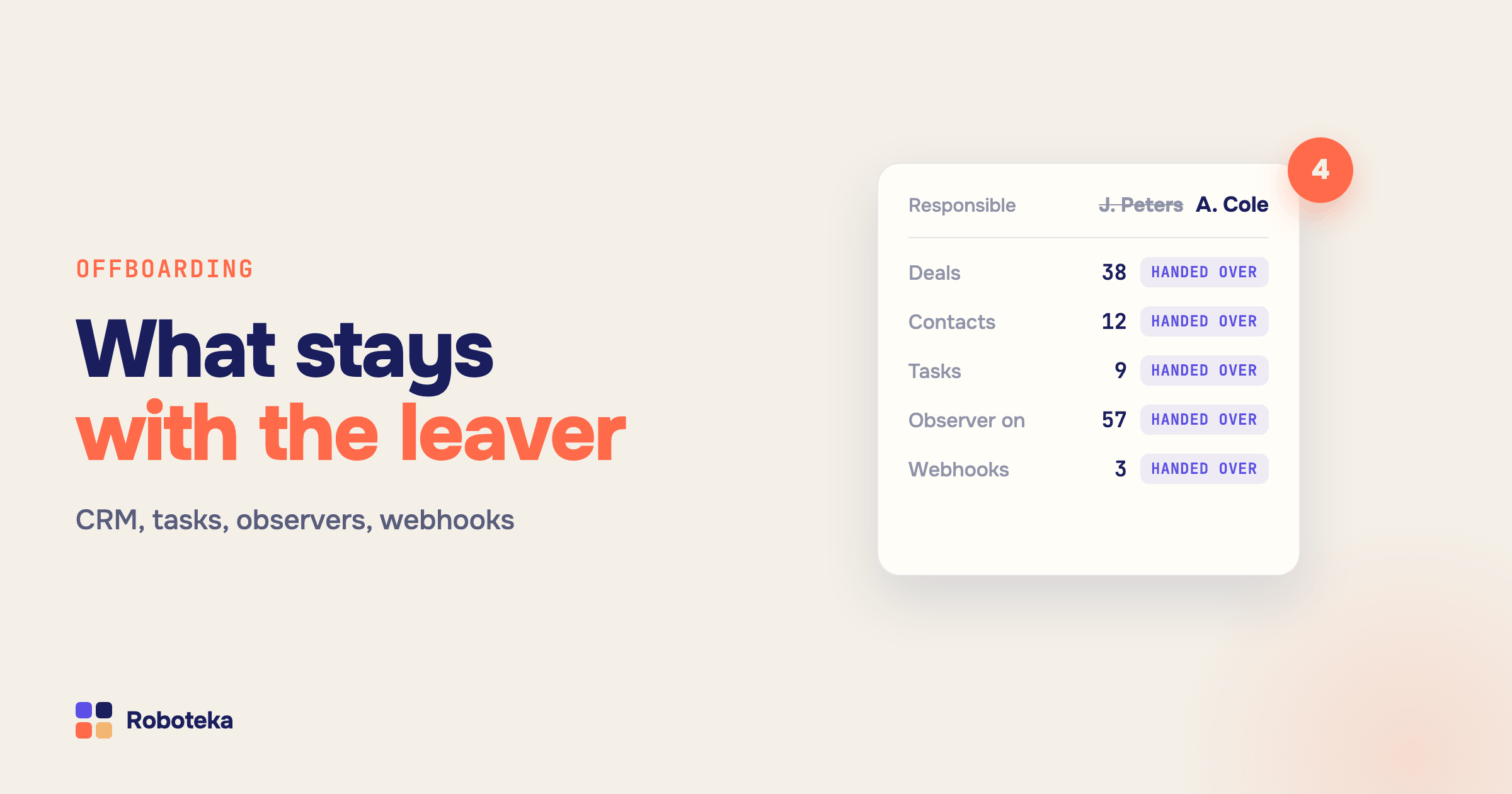
Bitrix24 employee offboarding: reassign deals, tasks, observers and webhooks
Offboarding checklist for Bitrix24: hand over deals with related records, tasks with co-assignees and observers, the leaver’s webhooks and automation rules.