
Blog
Bitrix24 automation deep dives: how to set up robots and business processes, where the stock tools fall short, and which ready-made robot closes the gap.
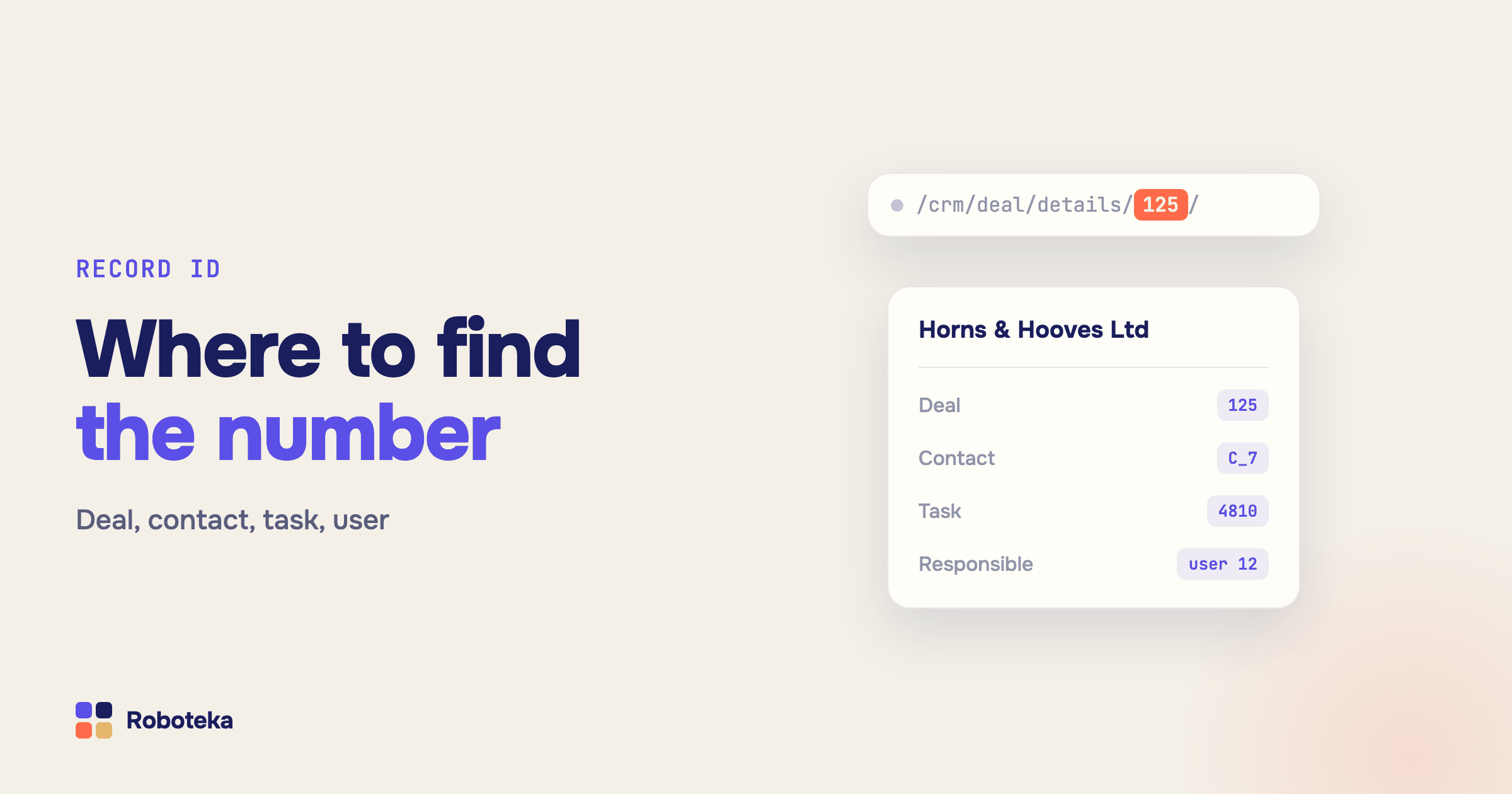
Bitrix24 record ID: how to find a deal, contact, task or user ID
Where to see the ID of a deal, lead, contact, task, user or pipeline in Bitrix24, what a CRM ID like D_10 means, and how to get an ID inside a workflow.
Read →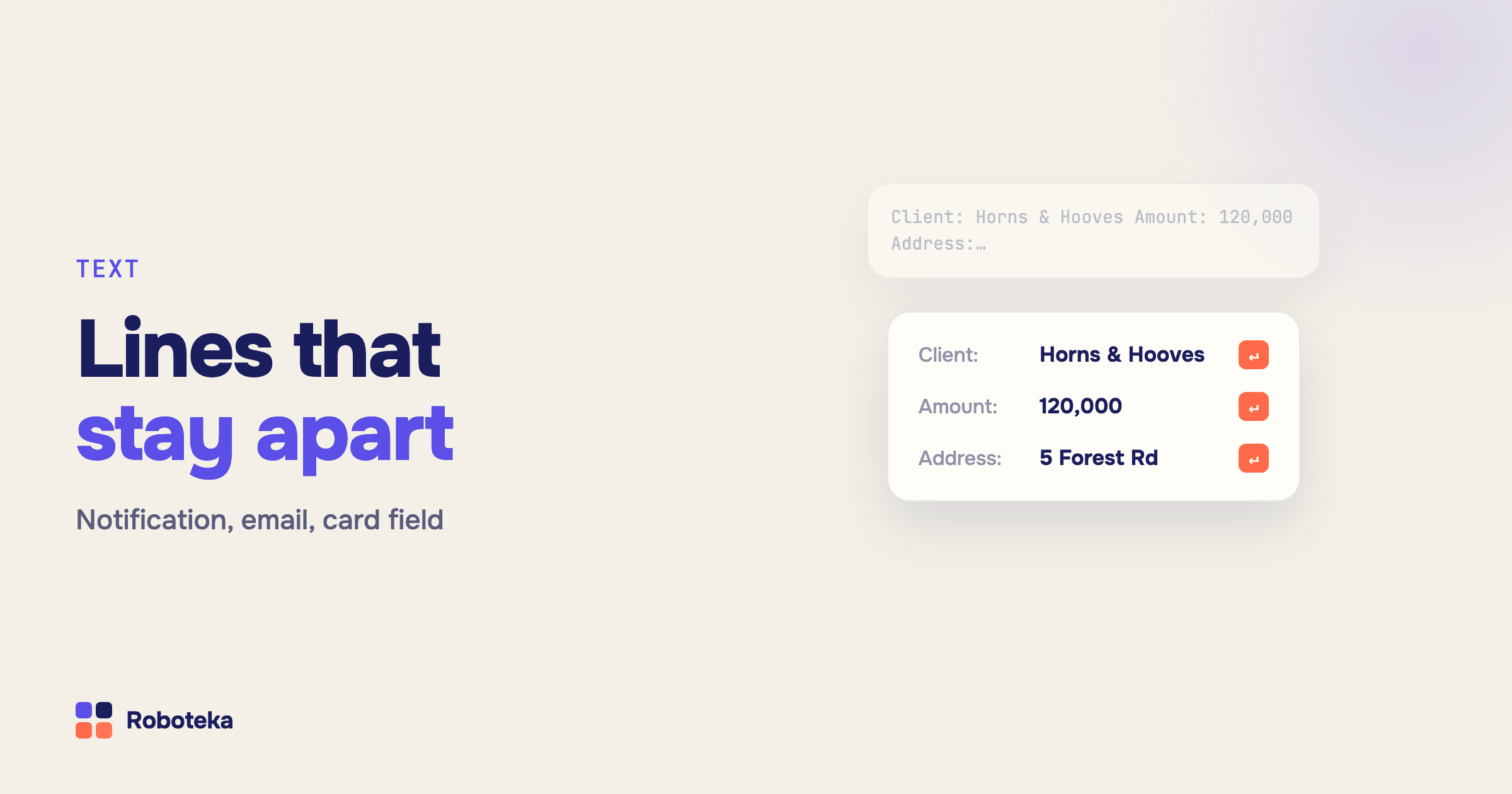
Line breaks in Bitrix24 workflows: format notifications, emails and fields
How to add a line break to a Bitrix24 workflow message, why lines run together in emails, and how to strip extra spaces, remove characters and change text case.
Read →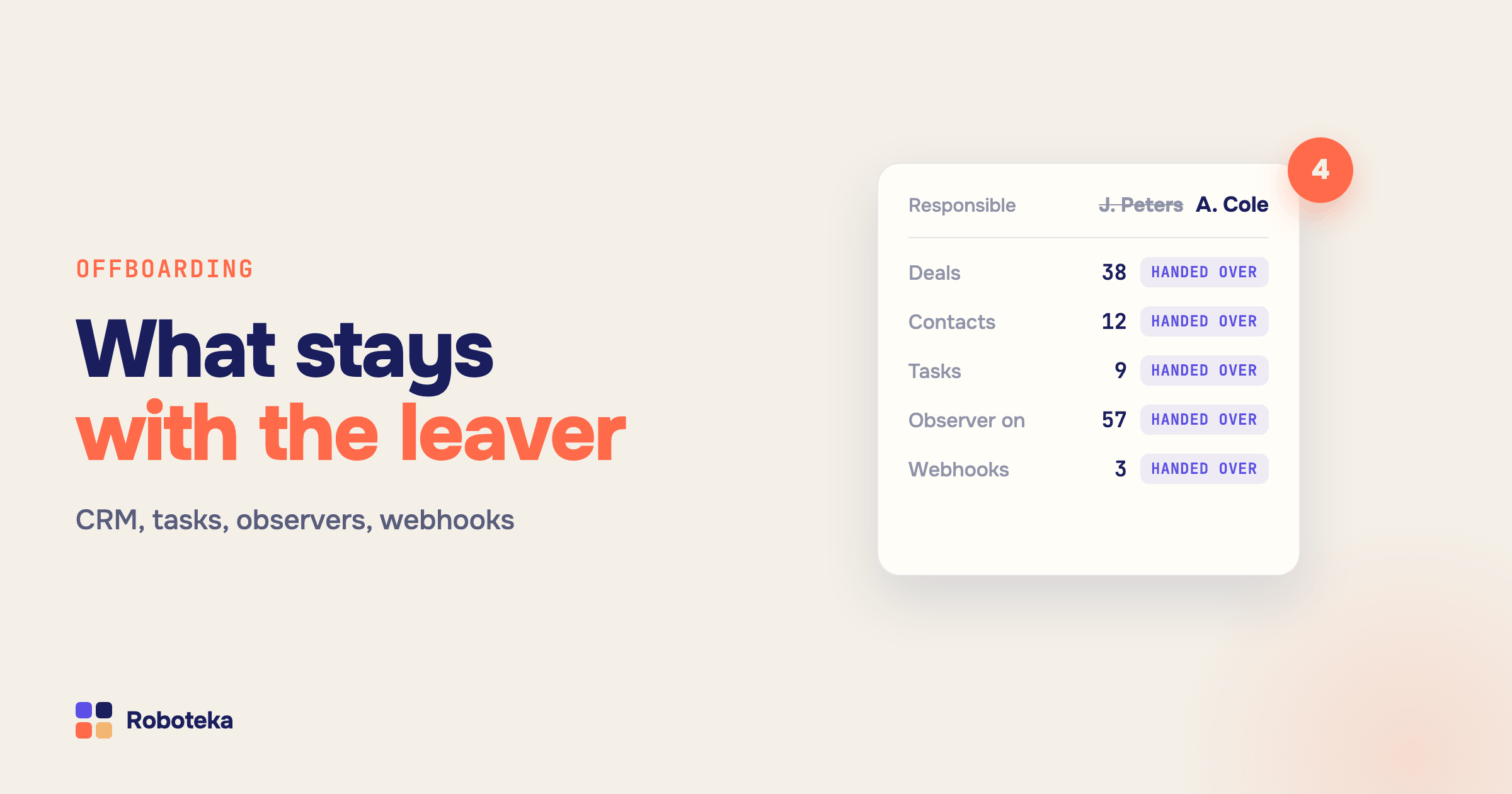
Bitrix24 employee offboarding: reassign deals, tasks, observers and webhooks
Offboarding checklist for Bitrix24: hand over deals with related records, tasks with co-assignees and observers, the leaver’s webhooks and automation rules.
Read →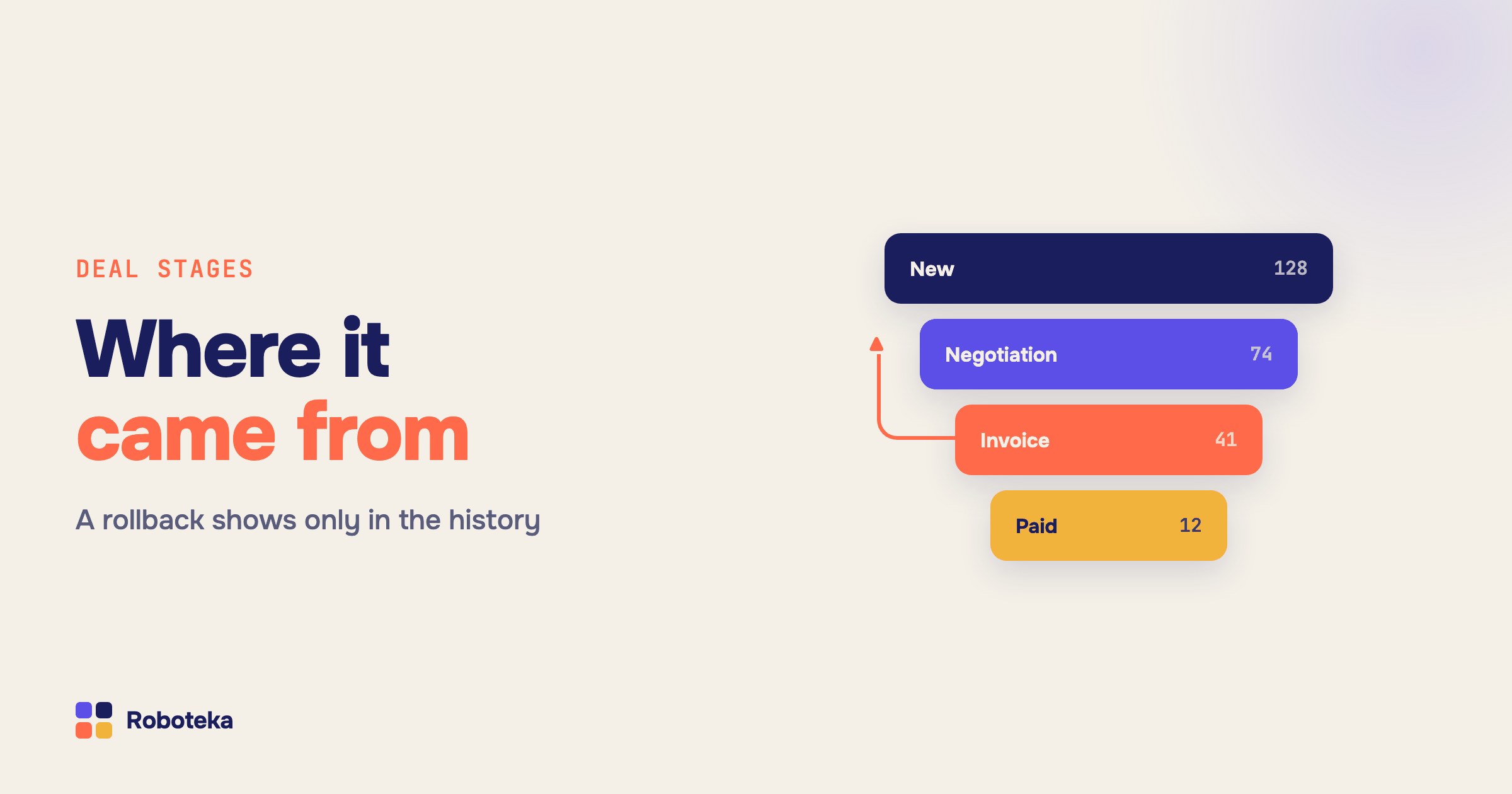
Previous deal stage in Bitrix24: why an automation rule cannot see it
An automation rule knows the stage a deal is on, not the one it came from. How to read the previous stage at run time, catch a rollback, measure time in stage.
Read →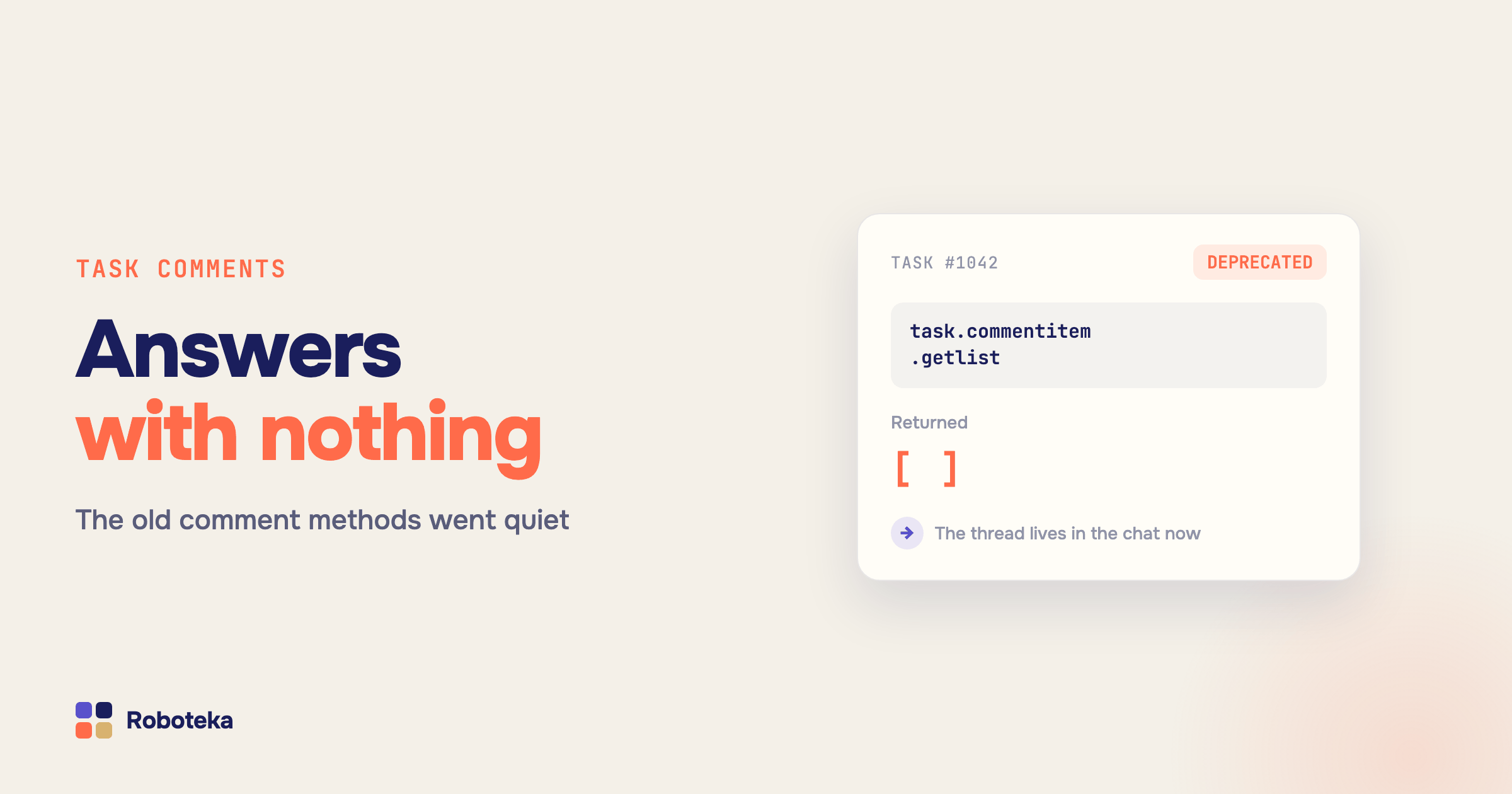
Bitrix24 task comments stopped working: what replaced them and how to read them now
The old task comment methods are deprecated and return nothing in the new task card. Where the discussion moved and how automation reads it again.
Read →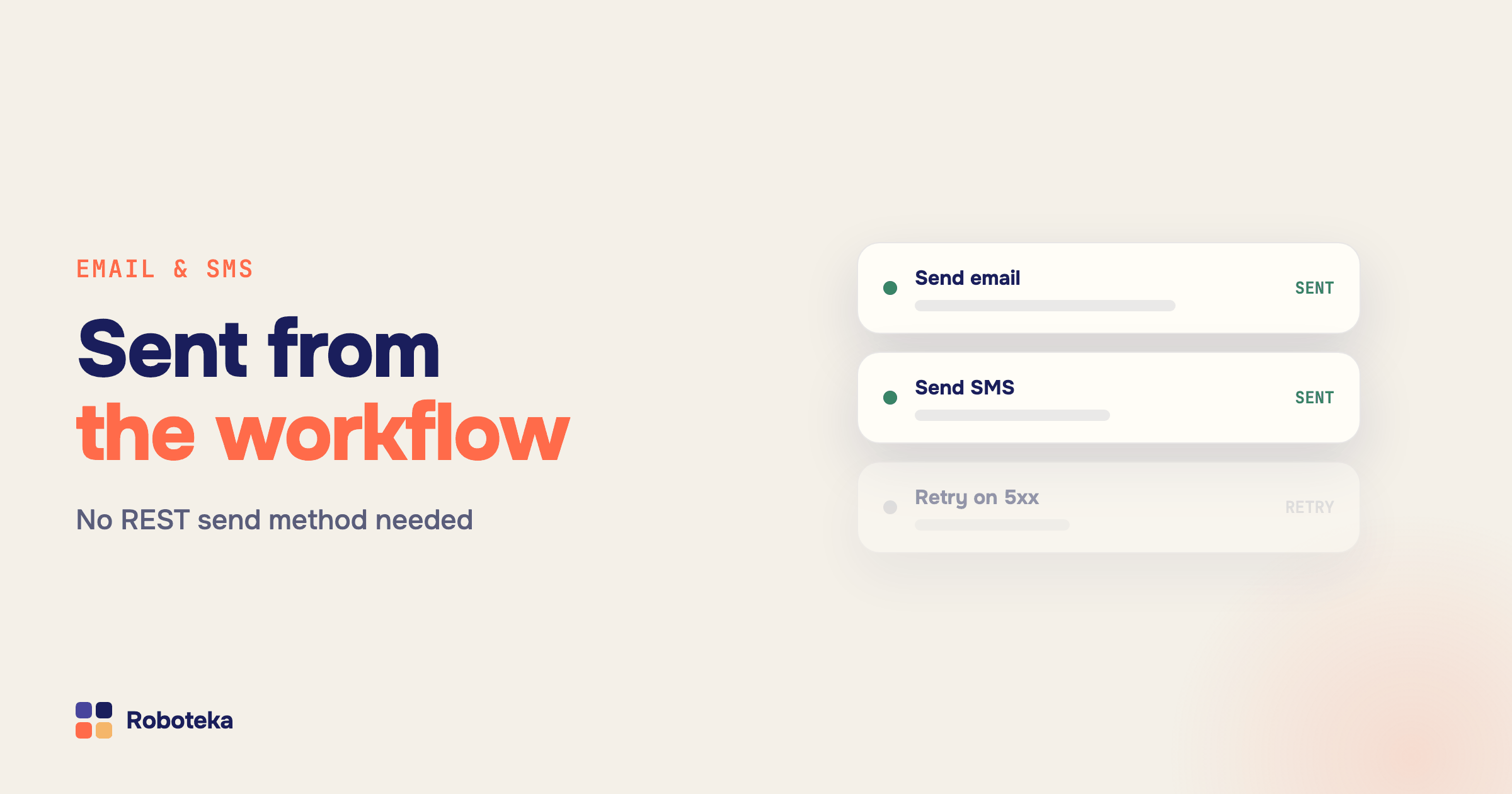
Send email and SMS from a Bitrix24 workflow: rules, limits, and your own provider
Bitrix24 has no REST method for sending email. How to send email and SMS to a client from a workflow, why the rule silently does not fire, and how to send at scale.
Read →
Bitrix24 chat automation: posting into task chats, chat IDs and chatbots
How to post a message into a Bitrix24 chat from an automation rule, why the task chat is missing from the recipient list, and where to get a chat ID.
Read →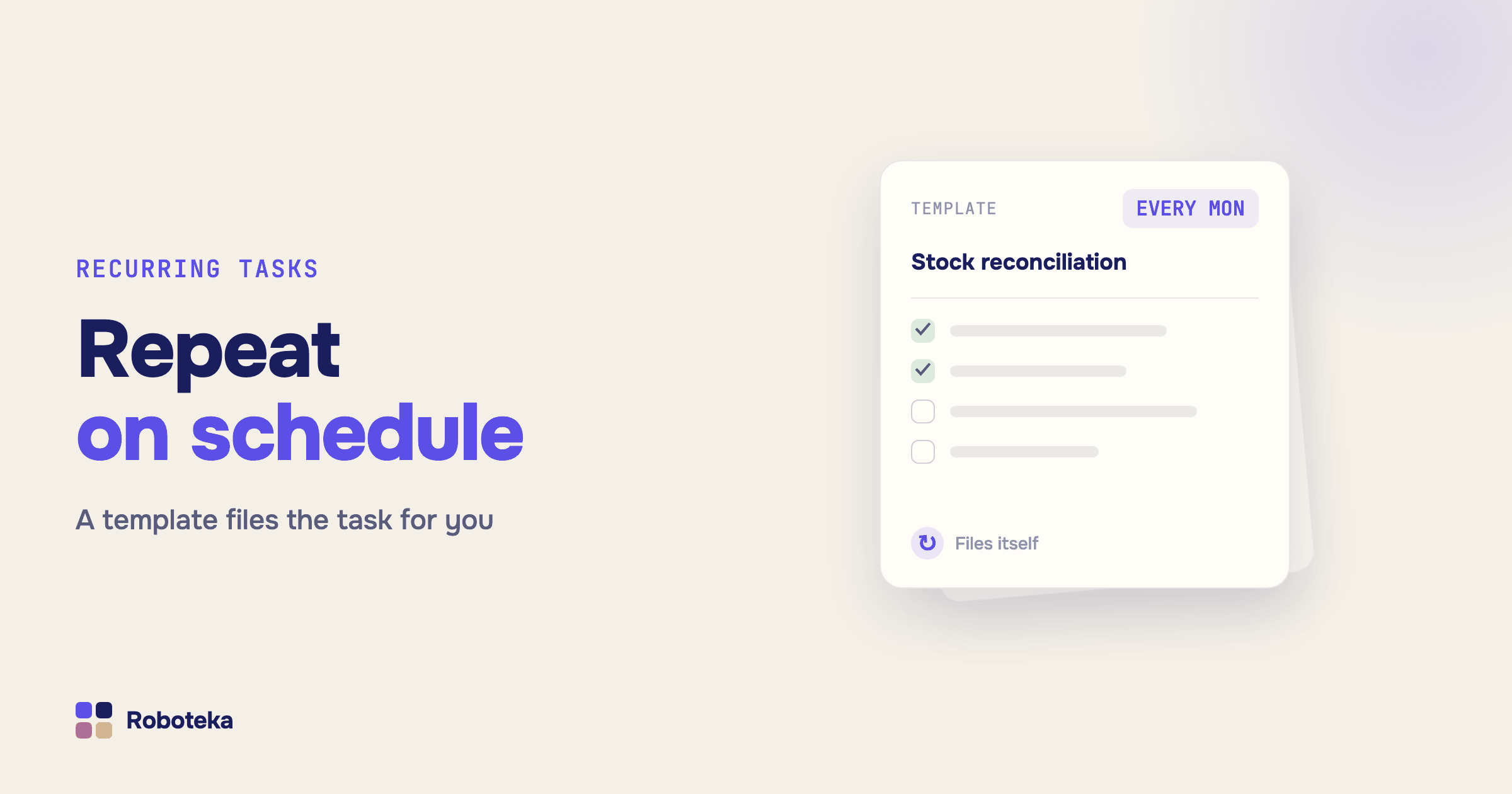
Recurring tasks in Bitrix24: templates, schedules, and why one stops appearing
How task templates and recurring tasks work in Bitrix24, how to set the repeat schedule, and why a recurring task did not appear when it should have.
Read →Bitrix24 document generation: automatic numbering, stage rules, and the finished file
How to generate invoices, quotes and contracts from a deal automatically in Bitrix24: the numerator and its settings, the Create document rule, checks before generation, and what to do with the file.
Read →Bitrix24 reports: built-in analytics, BI Builder, and how to get a custom metric
What reporting tools Bitrix24 has — CRM analytics, the report builder, BI Builder, work reports — and how to calculate a metric that no stock report covers.
Read →Export CRM data from Bitrix24 to Excel: the built-in way and the automatic one
How to export deals and contacts from Bitrix24 to Excel or CSV, what the built-in export covers, and how to push data out on an event or a schedule.
Read →Bitrix24 access permissions: CRM roles, task visibility, and invisible records
How access permissions work in Bitrix24: CRM roles and levels, task visibility, app rights. Why an employee cannot see a deal while automation sees everything.
Read →Make.com and Bitrix24: why the scenario breaks and how to fix each cause
Fixing a Make scenario that broke against Bitrix24: authorization errors, a Watch trigger that misses records, field-code failures, duplicates and rate limits.
Read →Bitrix24 webhook not firing: where the event gets lost
Outbound webhook never reaches the handler, inbound returns an error: the checks in order, why Bitrix24 never resends events and how to guarantee delivery.
Read →How to connect Bitrix24 to n8n: webhooks, HTTP nodes and what to keep inside the portal
Connecting Bitrix24 to n8n without a native node: inbound webhook auth, outbound events, triggering a scenario from a workflow and fixing runs that stay silent.
Read →How to update a deal field in Bitrix24: REST API, webhooks and no-code ways
Updating a deal field in Bitrix24 via REST API: crm.item.update vs crm.deal.update, custom field names, multifields, webhooks — and how to do it without code.
Read →Volumetric weight in Bitrix24: package dimensions and chargeable weight
How to store length, width, height and weight in a Bitrix24 CRM card, calculate volumetric and chargeable weight with your carrier DIM divisor, and catch oversize before shipping.
Read →Gender by name in Bitrix24: segment your CRM and get salutations right
Bitrix24 has no Gender field, and Salutation is filled by hand. How to detect a contact's gender from their name automatically, insert Mr/Ms into emails, and split your base into segments.
Read →Client time zones in Bitrix24: local time in the CRM card
Bitrix24 does not show what time it is for your client. How to display the client local time and time zone in the CRM card from the phone number — and call inside working hours.
Read →Bitrix24 app will not open in the portal: X-Frame-Options explained
Why an app shows an empty frame or a site does not allow connection message: how X-Frame-Options and CSP frame-ancestors work and where to set them.
Read →25 Bitrix24 automation examples for CRM, tasks and telephony
25 practical automation rule and workflow examples: data cleanup, lead routing, calculations, SLA timers, task hygiene, call follow-ups and API integrations.
Read →Bitrix24 automation rule did not run: how to find out why
An automation rule or workflow in Bitrix24 did not fire: how to read the log, tell a silent condition exit from a rule that never started, and check each cause in order.
Read →How to add a pause or delay in Bitrix24 automation
Delayed automation rules, the workflow pause activity and second-level pauses between robots: how to time actions in Bitrix24 without breaking the process.
Read →How to find a deal, contact or lead from a Bitrix24 workflow
Search CRM records by phone, email or any field right inside automation: find robots return the record ID and a found flag you can branch on, link and update.
Read →Formula fields in Bitrix24: calculated values in the CRM card
Bitrix24 has no native formula field. How to add one from Bitrix24 Market, which formulas pay off in deal and contact cards, and when a workflow calculation fits better.
Read →Automatic lead distribution in Bitrix24: round robin and rules
How to distribute leads between managers in Bitrix24: even rotation with a random-employee robot, routing by department and source, escalation and vacation handling.
Read →Bitrix24 ERROR_OAUTH: Application not installed — what it means
The ERROR_OAUTH Application not installed error means the credentials are fine but the app is not registered on that account. Causes, checks and the fix order.
Read →How to format phone numbers in Bitrix24 automatically
Why mixed phone formats break deduplication and telephony in Bitrix24, which format to standardize on, and how automation cleans numbers on entry and in bulk.
Read →Bitrix24 QUERY_LIMIT_EXCEEDED: REST API limits explained
Why Bitrix24 returns QUERY_LIMIT_EXCEEDED, how the leaky bucket rate limit works per portal, and how batching, backoff and pacing keep an integration inside it.
Read →Bitrix24 REST API error codes: what they mean and how to fix them
A practical map of Bitrix24 REST API error codes — authorization, scope, rate limits, bad parameters — with what each one means and which ones an admin can fix.
Read →Bitrix24 expired_token and invalid_grant: why tokens break
Why Bitrix24 apps return expired_token, invalid_token and invalid_grant, what each one means for your stored OAuth pair, and when the only fix is re-authorization.
Read →Zapier and Bitrix24: when you need a connector and when you do not
How Zapier works with Bitrix24, what per-task pricing and polling delays really cost, and how to cover the same integrations with automation inside the portal.
Read →What is Alaio? The new international brand of Bitrix24
Alaio is the brand Bitrix24 uses for its international distribution. What changes for your portal, billing and Market apps — and what stays exactly the same.
Read →Field types in Bitrix24: a complete overview of stock types and how to add your own
Which custom field types are available in Bitrix24: string, list, money, file, bindings — their limits, and how to add new field types from Market apps.
Read →Deal fields in Bitrix24: adding custom fields, organizing the card, and automating input
System and custom deal fields in Bitrix24: how to add a field to the deal card, organize sections, make fields required per stage, and fill them with automation rules.
Read →Required fields in Bitrix24: per-stage setup, bypass routes, and enforcement
How to make a field required in Bitrix24: always or per stage, why imports and the API bypass the check, and how to enforce field completion with automation rules.
Read →Changing the responsible person in Bitrix24: manually, in bulk, by robot, and how to lock it
How to change the responsible person in Bitrix24 manually, in bulk and by robot, and how to stop reps changing it: CRM and task permissions, automatic rollback.
Read →Open Channels in Bitrix24: customer chats inside the CRM and automation
How Open Channels work in Bitrix24: connecting channels, the operator queue, creating leads from chats. What to do when a conversation is linked to the wrong entity, and how to automate dialogs.
Read →Vacation management in Bitrix24: status, absence chart, and approval workflow
How to set the "on vacation" status in Bitrix24, keep a company-wide absence chart, and approve leave requests with a business process: a route over the org structure, field checks, and work handover during the absence.
Read →Company structure in Bitrix24: departments, supervisors, and automation
How to set up the company structure in Bitrix24: departments, nesting, supervisors. What the structure affects and how to use it in business processes: escalation to a supervisor, routing by department.
Read →Leads in Bitrix24: setup, processing and automation
How to work with leads in Bitrix24: CRM modes, stages, sources, repeat inquiries, distributing leads between reps, conversion to a deal and automating lead processing with robots.
Read →Observers in Bitrix24: in tasks, deals, and automatic management
Who observers and participants are in Bitrix24 tasks, observers in deals and leads, what they can see and do, and how to add and remove them automatically — with robots.
Read →Linked deals and relations between CRM entities in Bitrix24
How relations work in Bitrix24 CRM: deal — contact — company, linking deals to each other, binding tasks to CRM and working with related fields in workflows.
Read →Sales automation in Bitrix24: 8 working scenarios with robots
8 sales automation scenarios in Bitrix24 by deal stage: trigger, robots and result — from phone normalization to payment control on a signed contract.
Read →Approval workflows in Bitrix24: routes, approval sheet and deadlines
How to build approval workflows in Bitrix24: sequential and parallel routes, an approval sheet in the card, deadlines and escalation to a manager.
Read →Automation rules in Bitrix24: setup guide and what to do when the stock ones fall short
What automation rules (robots) are in Bitrix24, how to add one to your pipeline, why they sometimes do not fire, and which ready-made robots close the typical gaps.
Read →CRM fields in Bitrix24: custom, required, multiple — and automation
Field types in Bitrix24 CRM, stage-based required fields, multiple values, and how to fill, clear, check and copy fields with workflow robots.
Read →Duplicates in Bitrix24: find, merge and turn off automatic merging
Where Bitrix24 duplicates come from, how to merge contacts manually, why the CRM merges cards on its own, and how to turn off automatic duplicate merging.
Read →Smart Process Automation (SPA) in Bitrix24: when and how to use it
What a smart process (SPA) is in Bitrix24, how it differs from deals and tasks, when to create one and how to automate it with robots and workflows.
Read →Webhooks in Bitrix24: inbound, outbound, permissions and robots
Bitrix24 webhooks: inbound vs outbound, who can create them, where to find and delete them, read-only keys, the outbound webhook robot and reliable delivery.
Read →Bitrix24 workflows: how to build a business process without drowning in the designer
What Bitrix24 workflows (business processes) are, how they differ from automation rules, how to build your first one in the designer, and which ready-made robots simplify complex flows.
Read →Workflow variables in Bitrix24: types, substitution and processing
How variables, parameters and constants work in the Bitrix24 workflow designer, how to insert values into actions and process strings and JSON.
Read →Dates in Bitrix24 business processes: difference, format, nearest day
How to work with dates in Bitrix24 business processes: the difference between dates in days and months, the "May 15, 2026" format, the nearest Friday, day of week.
Read →Duplicate deals in Bitrix24: how to find and prevent duplicates
Bitrix24 built-in duplicate search does not check deals. How to catch duplicate deals with a workflow: find a contact's open deal before creating a new one.
Read →Field IDs in Bitrix24: how to find a field code and why you need it
Where to find a field ID in Bitrix24: codes of system fields and custom UF_CRM_ fields, TITLE vs title, and using codes in robots, the API and webhooks.
Read →JSON in Bitrix24 business processes: parse a response and build a request
Where JSON shows up in Bitrix24 business processes, how to extract a value by path, build your own JSON from deal fields, and handle integration errors.
Read →Mass-launching business processes in Bitrix24 by entity filter
By default a Bitrix24 business process runs on one entity. How to run a template across all deals or leads at once: mass launch in Roboteka.
Read →Arrays and multiple fields in Bitrix24 business processes
Arrays in Bitrix24 business processes: get an item by index or the last added, count, deduplicate, sort, sum, delete a value, and output a list as a table.
Read →Robots not working in Bitrix24: step-by-step diagnostics and the log
A robot in Bitrix24 did not fire — step-by-step diagnostics: the robot log on the card, stage and retroactivity, launch conditions, permissions, plan, a removed app.
Read →Data cleaning in Bitrix24 CRM: names, phones, emails and typos
How to clean CRM data right inside a Bitrix24 business process: tidy up name fields, check the email is filled before a mailout, normalize phone numbers, fix typos.
Read →Sales funnel report in Bitrix24: why it lies and how to fix it
The Bitrix24 funnel report shows untruths when the data is dirty. How to make loss reasons mandatory and clean up deal fields with robots.
Read →PHP in Bitrix24 business processes: where it works and what replaces it
The "PHP code" action exists only in self-hosted Bitrix24 — the cloud has no such action. What tasks people usually solve with code and how to build the same logic in the cloud with robots.
Read →The "Address" field in Bitrix24: where it lives and how to geocode it
Where Bitrix24 stores company and contact addresses, how to add an "Address" field to a deal, and how to pull its parts into a workflow and get coordinates from an external service.
Read →The "File" field in Bitrix24: uploading, checking and deleting files
How the "File" field works in Bitrix24: setting up a file field in CRM, auto-attaching a file by URL, checking attachments, and clearing the field with robots.
Read →Task fields in Bitrix24: system, custom and automation
What fields tasks have in Bitrix24, how to add custom fields, and how to work with task fields from business processes: search, update, validate data.
Read →Regular expressions in Bitrix24: extract and validate data in a process
How to extract a number, link or code from text in a Bitrix24 business process, validate a field format, and replace matches by pattern — two robots, no developer.
Read →Robots in Bitrix24 tasks: how to enable them, what they do, and how to link a task to a deal
Robots in Bitrix24 tasks: how to enable them, what they do, how to link a task to a deal or contact, and how to change the responsible person in linked tasks.
Read →Document templates in Bitrix24: creation, fields, and the amount in words
How to create a document template in Bitrix24: a docx with merge fields, modifiers, both parties' details, numbering — and how to prepare values with robots before the document is generated.
Read →Contract approval in Bitrix24: a step-by-step business process
How to build contract approval in Bitrix24: the stock Document approval action, a role-based route, deadlines, escalation to a manager, and document templates.
Read →Document approval in Bitrix24: routes, approval sheet, and deadlines
How to set up document approval in Bitrix24: sequential, parallel, and mixed routes, an approval sheet in the card, deadlines with escalation, and approval in smart processes.
Read →Invoice approval in Bitrix24: the feed, a smart process, or a business process
Three ways to approve a payment invoice in Bitrix24: a feed process, a smart process with a Kanban, and a business process with a route by amount. A step-by-step scheme and robots for automation.
Read →Lists in Bitrix24: registries, business processes, and the limits of their use
Universal lists in Bitrix24: when a registry on a list is the right choice, how to enable and assemble a business process on an item, and when it's time to move to a smart process.
Read →Strings in Bitrix24 business processes: split, join, trim
Basic string operations in Bitrix24 business processes: split by a delimiter, join values, cut out a substring, strip HTML tags — with robots.
Read →Triggers in Bitrix24: what they are, how they differ from robots, and why they don't fire
Bitrix24 triggers in plain terms: which events they catch, how they differ from robots, how the two work together, and what to do when a trigger doesn't fire.
Read →The "if — then" condition in Bitrix24 robots: complex checks without code
How to set up complex conditions in Bitrix24 robots and business processes: AND/OR/NOT grouping, an "if — then — else" choice, and checking that a field is filled in.
Read →Notifications from Bitrix24 business processes: who to, how, and why they don't arrive
Every way to send a notification from a Bitrix24 business process or robot: a notification to an employee, an email, a chat message, an external messenger — plus a checklist for why notifications don't arrive.
Read →Pipelines in Bitrix24: configuring stages, tunnels, and automation on every stage
How to set up sales pipelines in Bitrix24: stages, multiple pipelines, and tunnels between them — plus which robots to place on each stage so the pipeline runs itself.
Read →Calculations in Bitrix24 business processes: percentages and rounding
How to do math in Bitrix24 business processes without code: a percentage of an amount, VAT and discounts, rounding to whole numbers or hundreds, and comparing two numbers with robots.
Read →Business process tasks in Bitrix24: where to find them and how to work with them
How a business process task differs from a regular task, which actions create these tasks, where to find their list in Bitrix24, and how to keep an approval from stalling.
Read →Dependent fields, hidden fields and card sections in Bitrix24: no developer needed
How to hide fields and group them into Bitrix24 card sections, why a hidden field still shows in the filter, and how to emulate dependent fields with robots.
Read →Calls in Bitrix24 business processes: history and the last call
How to get telephony data inside a Bitrix24 business process: the number of calls on a deal, the date and recording of the last conversation, and call-through control.
Read →