
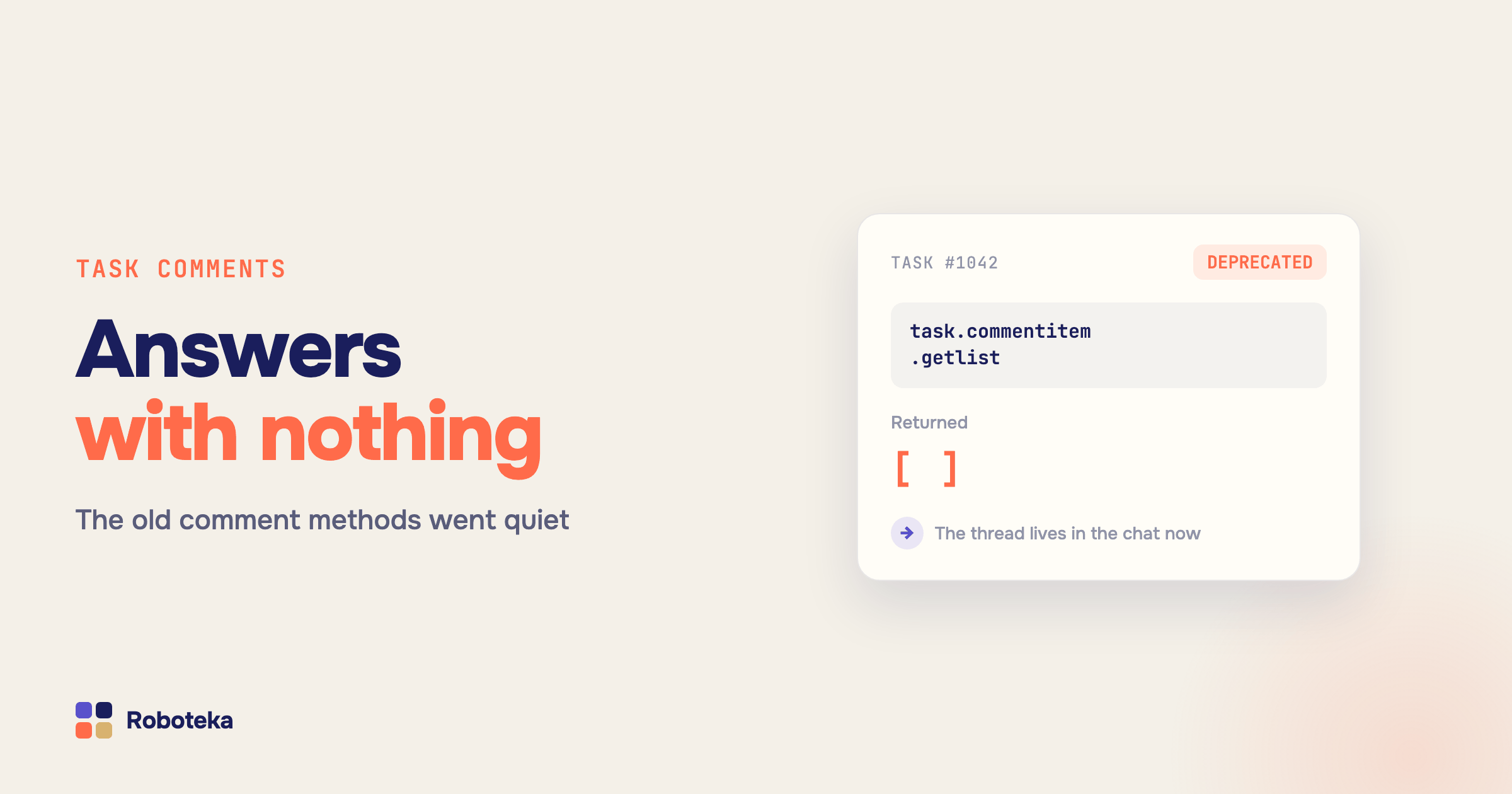
An integration that read task comments for two years suddenly returns an empty list. No error, no warning in the interface, no broken screen — just nothing where a discussion used to be. The report that counted assignee replies quietly shows zeros, and everyone assumes the data is fine because the task card itself still shows the conversation.
Why task comment methods return nothing
Task comments in Bitrix24 (Alaio) did not disappear. They moved. The new task card replaced the comment feed with a chat, and the old REST family that read and wrote comments — task.commentitem.get, task.commentitem.getlist, task.commentitem.add and the older task.comment.add — was frozen at tasks module version 25.700.0. Against a portal on the new card they do not throw; they answer as if the task had no comments at all.
That silence is the whole problem. A method that errors gets noticed in a day. A method that returns an empty array gets noticed a quarter later, when someone asks why the escalation rule never fired.
Where task discussions live now
A task discussion is an ordinary portal chat. It has a chat ID, a message history and attachments, and it is read with the messenger methods rather than the task ones. The task card never displays that ID anywhere, which is why the migration trips people up: you know the task ID and you need a chat ID you have no obvious way to obtain.
This also means task comments and CRM comments are now two unrelated storages. Deals, leads, contacts, companies, invoices and smart process items keep their comments in the card timeline, and the CRM timeline methods were never deprecated — they work exactly as before. A recipe written for a deal does not apply to a task, and vice versa. Treating them as one thing is the second most common way to lose data here.
How to read a task comment from automation
There is no native automation action that reads a discussion — the platform writes comments but never hands them back. Two catalog blocks cover the two storages.
For a task, the Last task comment block takes a task ID and returns the text, the author ID and name, and the date. One detail matters more than it looks: the task chat mixes human messages with system lines about status, deadline and assignee changes. Left unfiltered, "the last comment" is almost always a machine record. The block drops system records by default and returns the last thing a person actually wrote. Separately, Task result returns the message marked as the work result, along with its attached files.
For a CRM card, Get item comments reads the timeline of a lead, deal, contact, company, estimate, invoice or smart process item. It returns the selection in four shapes at once, because what happens next varies: one string with author and date for a field or an email, a list to loop over, a JSON array to send to an external system, and the latest comment as separate fields. Filters work by author, by period and by number of most recent records; one run scans up to 1000 comments and returns up to 200.
How to post a comment back
CRM has a native automation action that adds a timeline comment when an entity reaches a stage — for a service note that is enough.
Tasks have no such action. Message to task chat posts into the discussion by task ID, with optional Drive file IDs attached to the message. Participants read it where they already read everything else, instead of in the notification feed where workflow notifications go to die. If you need the chat identifier itself — to hand to an external service or another block — Task chat ID returns both the number and the ready chatXXX dialog identifier.
Three things worth automating once comments are readable
Escalation on silence. Deadline approaching: read the last comment, look at its date. Fresh reply — stay quiet. Three days of nothing — notify the manager with that last line included, so they see where it stalled. Native task automation cannot do this at all.
Carrying the outcome forward. A task closes, its result or last comment lands in a deal field, and from there it behaves like any other field: filters, exports, workflow conditions.
Keeping the thread during a merge. The painful one is duplicate deals and history stranded in an abandoned card. Copy timeline to another entity moves both activities and comments; activities can be attached rather than duplicated, so one record shows in both timelines. Comments are copied with their files and an author line in the text.
One caveat to plan around: Bitrix24 exposes no change date for comments, only a creation date. A "last month" filter on comments always counts from creation, and no setting changes that.
What next
Start with escalation — one block, one date condition, one notification. It is the cheapest automation here and the most visible, because it stops managers from opening cards by hand. Then move the task outcome into a deal field, and add timeline copying the next time you clean up duplicates. The neighbouring blocks live in the robot catalog. And if the one you need is missing, describe the task: Roboteka builds missing activities for free and ships them to the shared library — which is how both comment readers in this article came to exist.